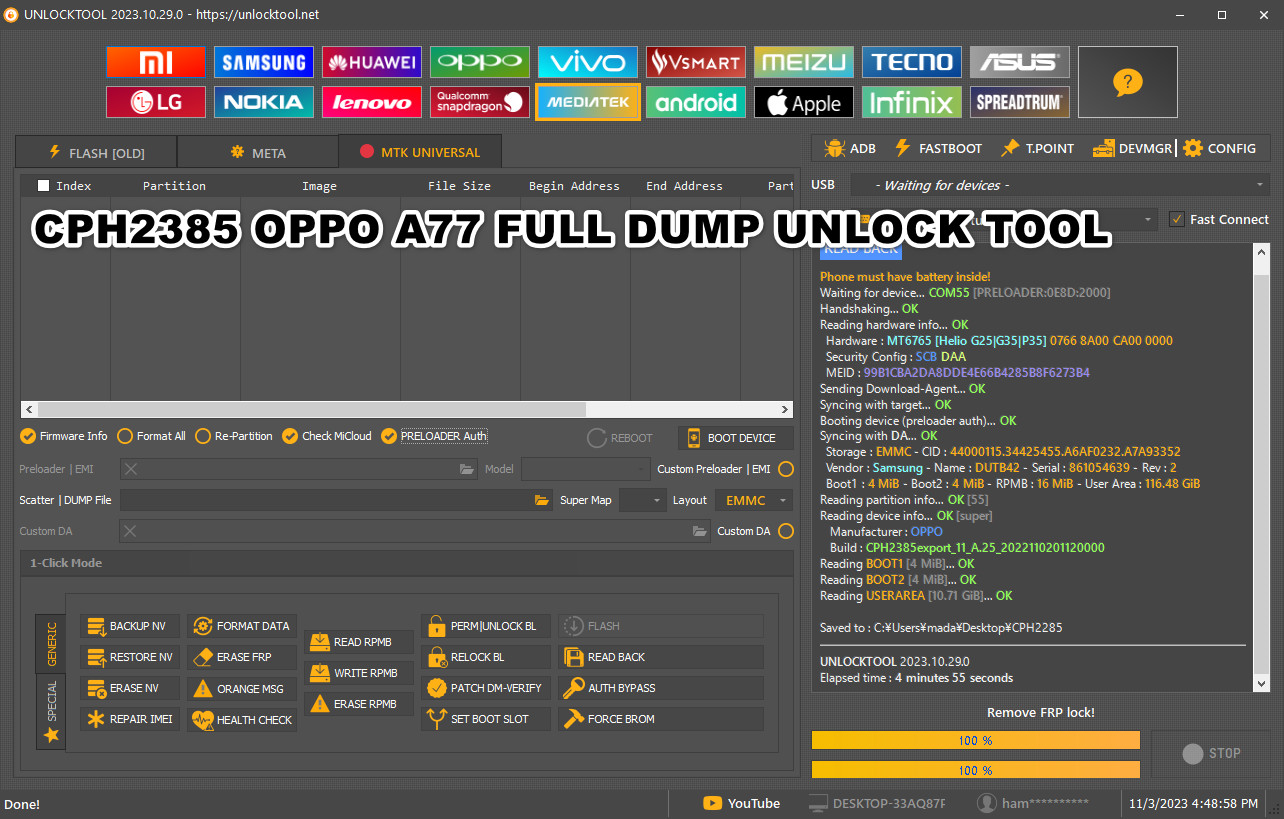


A10s A107F U8 Scatter_dead boot repair _by ServerFoxGSM.
2
0
Price
2$
Contact Seller


Samsung A10s U8 Dead Boot Recovery File Without JTAG (A107F U8 Scatter Firmware)
If yourSamsung Galaxy A10s (A107F U8)is completelydead or not booting, this testedDead Boot Recovery Firmwarewill help yourevive your phone without using JTAG.
serverfoxgsm provides theofficial A107F U8 Scatter Firmwaretorestore, unbrick, and fix dead deviceseasily using theSP Flash Tool.
⚙️ What Is a Dead Boot Recovery File?
ADead Boot Recovery Fileis a special firmware package designed torepair phones that no longer power on.
It reprograms thebootloader partitionand replaces corrupted flash files caused by wrong firmware, failed flashing, or sudden power loss.
🔧 Samsung A107F U8 Dead Boot Recovery File Details
| File Name | Samsung Galaxy A10s A107F U8 Dead Boot Recovery |
|---|---|
| Device Model | SM-A107F (Galaxy A10s) |
| Binary | U8 |
| Uploaded By | serverfoxgsm |
✅ 100% Tested
✅ Safe for all MTK-based Samsung A10s devices
🧰 How to Flash Samsung A10s Dead Boot Recovery File
Download and extract theSP Flash ToolandA107F U8 Scatter Firmware.
InstallSamsung USB Driverson your PC.
Load thescatter fileinto SP Flash Tool.
ClickDownloadand connect your phone (without battery if removable).
Wait for flashing to complete — your phone should nowboot normally.
⚠️Note:Always back up your data before flashing.
Use only firmware that matches your device binary (U8).
🔍 Why Choose MobiFirms for Firmware Downloads
✅ Verified & Tested Firmware
✅ Fast Mirror Links (Google Drive + MobiFirms CDN)
✅ Step-by-Step Flashing Guides
✅ Ad-Free, Secure & Easy Interface
TheSamsung Galaxy A10s A107F U8 Dead Boot Recovery Fileis the safest way torevive your dead phone without JTAG.
Download thescatter firmwareand follow the flashing steps carefully.